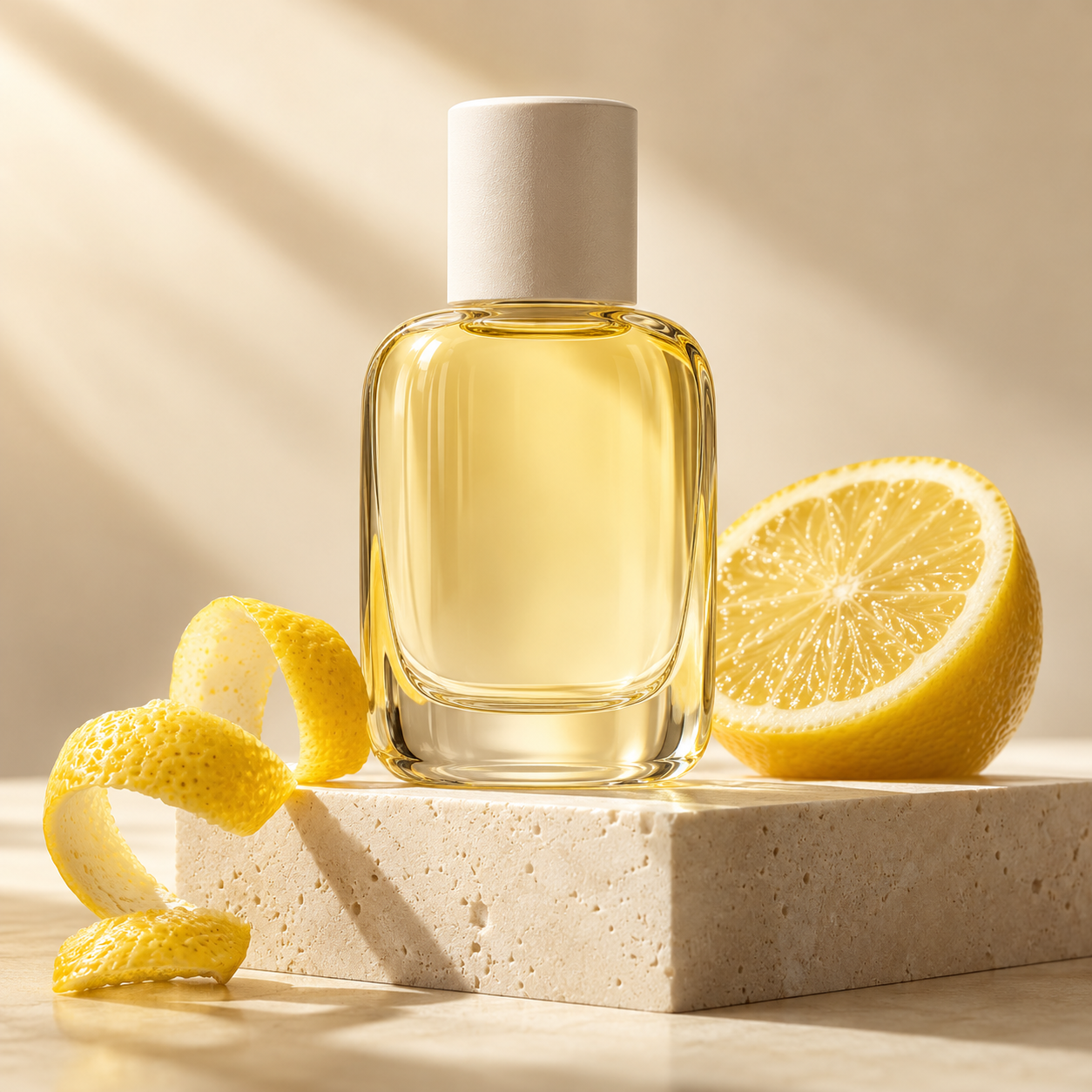
 Illustrative preview
Product photography
Make the product the hero.
A clean backdrop, soft light and one beautifully simple composition.
Text to image
A little idea. A new image.
Nano Banana 2.1Create images from an idea or a reference.
Illustrative previewIllustrative studio composition
Start with one clear idea. Refine from there.
An independent creative tool.
A starting point, not a blank page
A few directions to explore with Nano Banana 2.1.
Illustrative previewProduct photography
A clean backdrop, soft light and one beautifully simple composition.
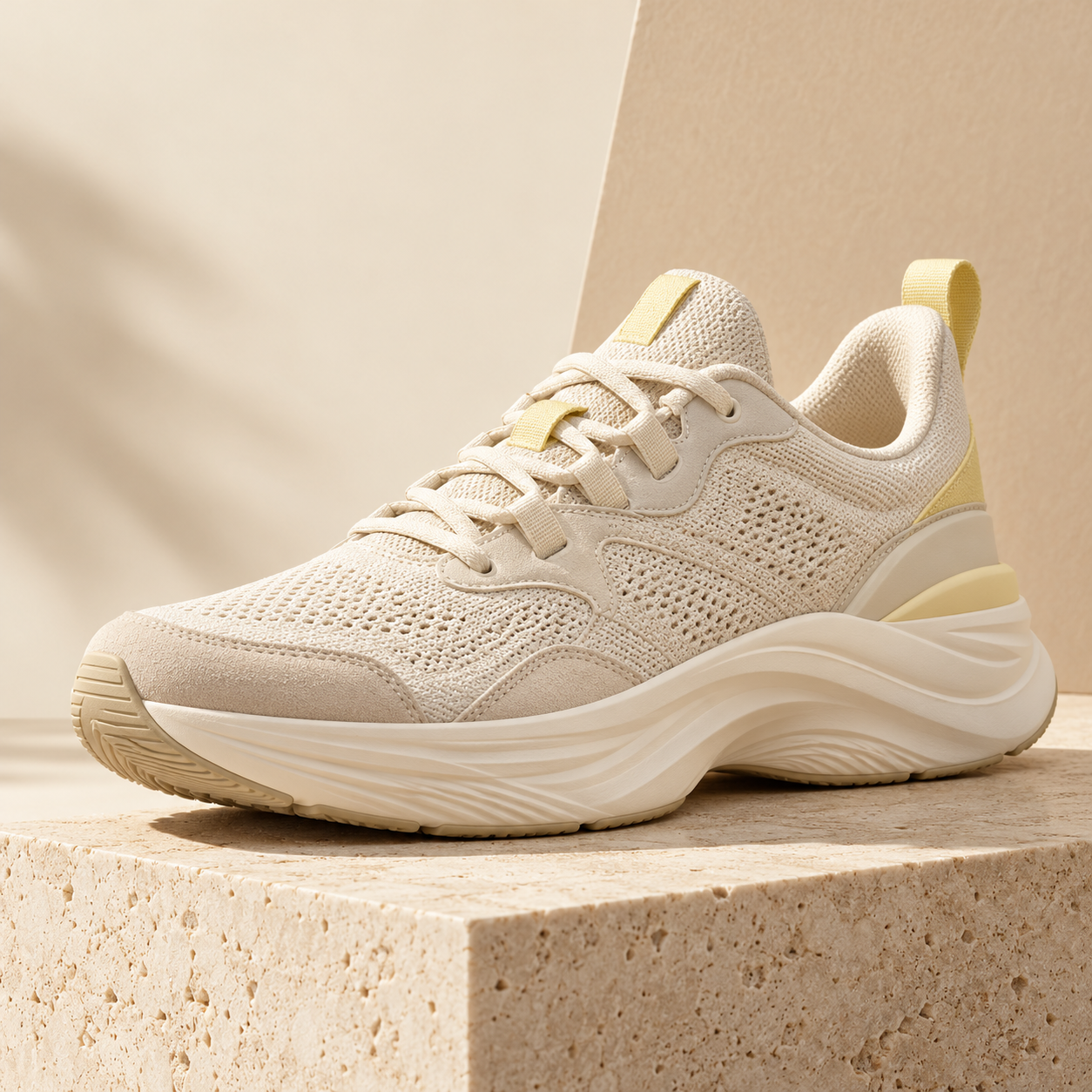 Illustrative preview
Campaign concept
Build a tactile product scene with warm tones and sculptural shapes.
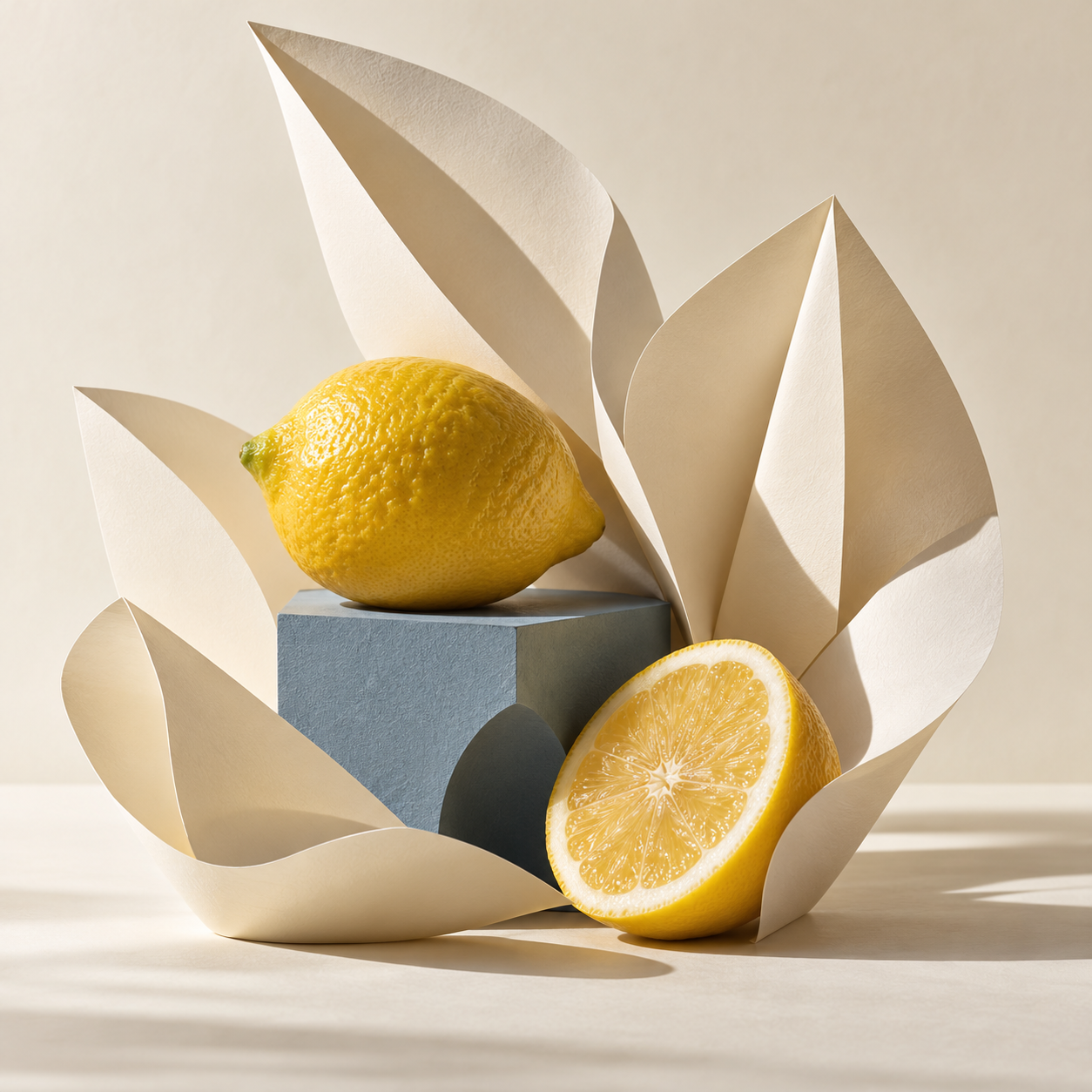 Illustrative preview
Editorial still life
Explore paper, color and playful geometry in a considered still life.
Keep it simple
Write a prompt, or add an image you want to change.
Choose a shape and size. Review the cost, then generate.
Adjust the details, then save the image you want to use.
A few useful answers
A little clarity for your next image.
A reference image is optional for text to image. To edit an existing image, upload the image you want to change.
Describe the subject, setting, light, composition and style. Start with a clear idea, then change one detail at a time. The examples above are illustrative concepts, not verified Nano Banana 2.1 test outputs.
After generating, choose Edit image to use your result as a reference. Describe the changes you want. A generated result must fit the 5MB reference limit.
The credit cost comes from the service configuration and is shown in the generator before you submit. Generation remains unavailable until the model and pricing are configured. Visit Pricing for the current status.
See pricing